Slægtsforskning uden besvær.
WinFamily Classic 6.02 har hjulpet folk med at registrere deres familie siden 1999. Programmet er let at lære, kører på Windows 10 og 11, og dine data bliver på din egen computer.
Gratis at prøve. Køb en licens til 199 kr., når du vil udskrive.
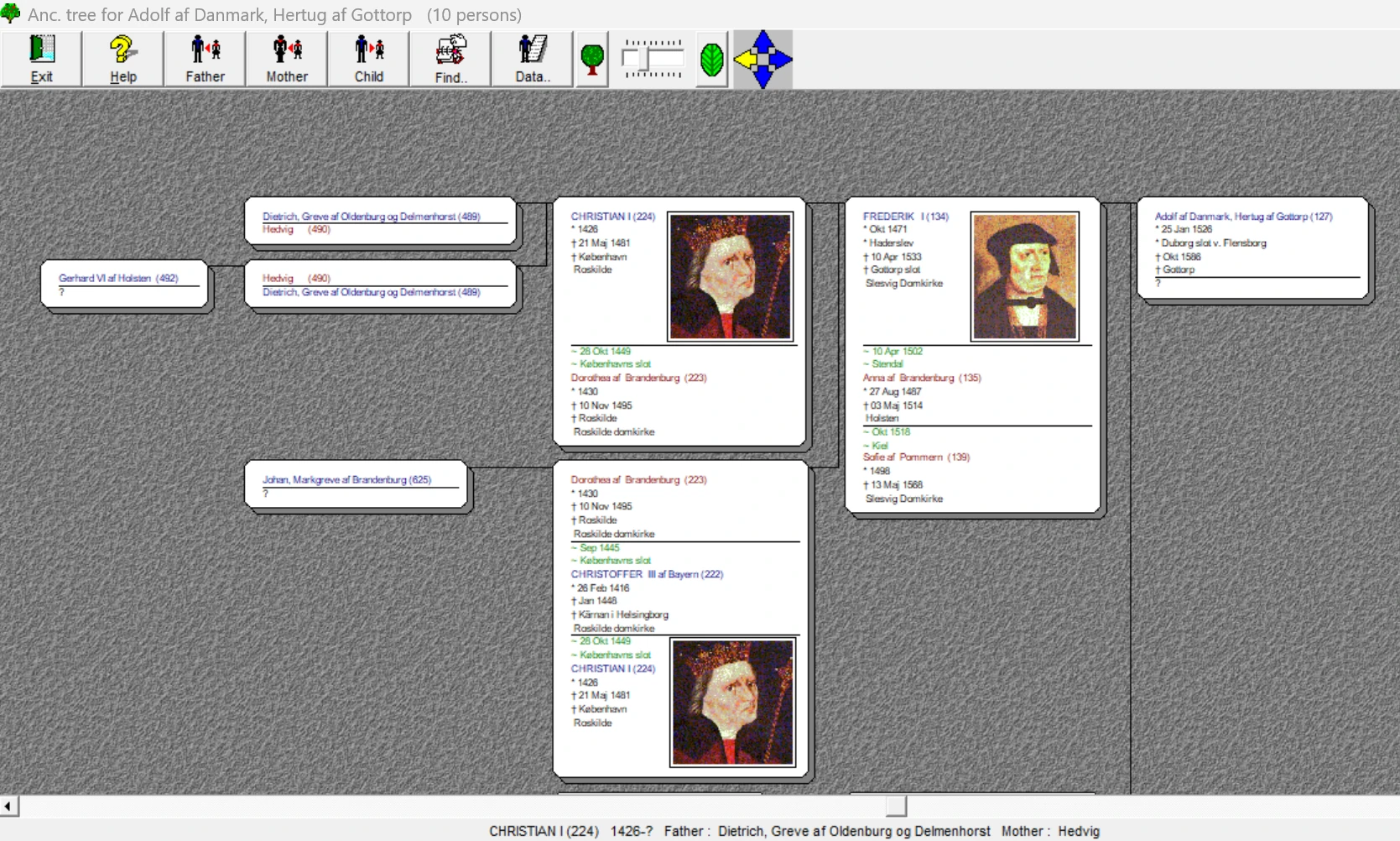
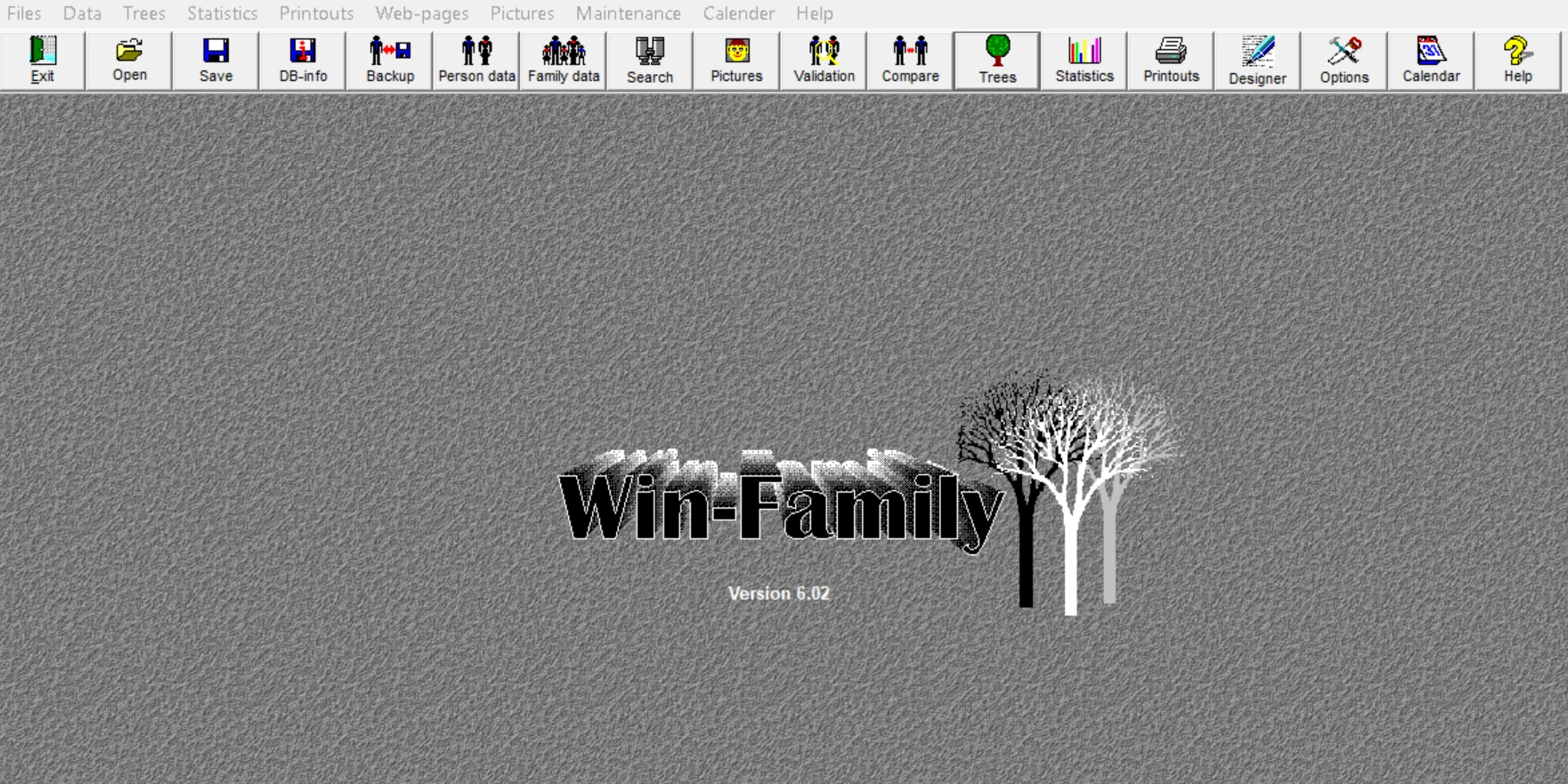
Ja, det ligner 1999. Det er hele pointen.
Vi har prøvet nyere versioner. Vores brugere blev ved med at vende tilbage til Classic. Alle knapper sidder, hvor de altid har siddet, der er ingen konto i skyen at oprette og intet månedligt abonnement.
Kan du bruge et Windows-program, kan du bruge WinFamily. Din tid går til din slægtshistorie, ikke til at lære et nyt program.
Alt hvad en slægtsforsker har brug for, og intet mere
Fra det første navn, du taster ind, til den færdige slægtsbog på hylden.
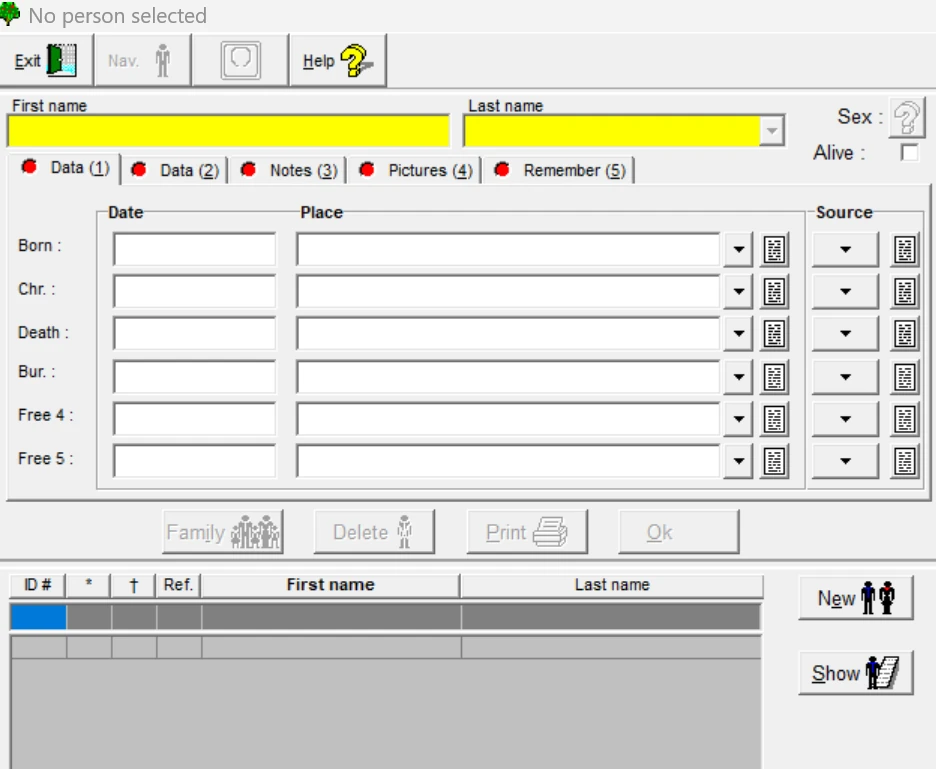
Registrér en person i ét vindue
Fødsel, dåb, død og begravelse med datoer, steder og kilder. Noter, billeder og påmindelser ligger i faner på samme skærm. Markér en person som levende, så forbliver oplysningerne private, når du udgiver.
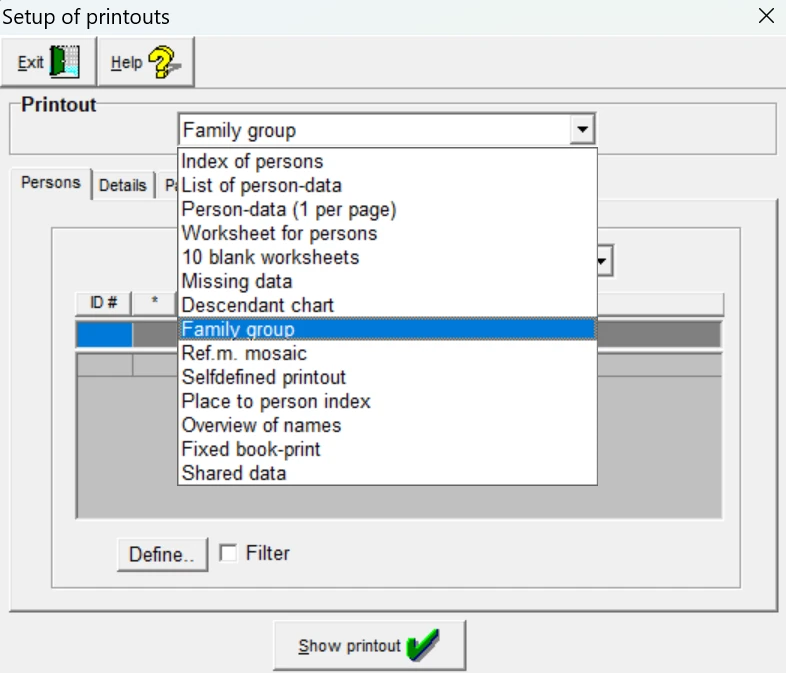
Tavler, udskrifter og en rigtig slægtsbog
Udskriv ane- og efterslægtstavler, sole, familiegrupper, registre og arbejdsark. Vend tavlen i den retning, du vil, og vælg hvor meget der skal vises for hver person, så det passer til siden.
Når du er klar, samler du det hele i en trykt slægtsbog.
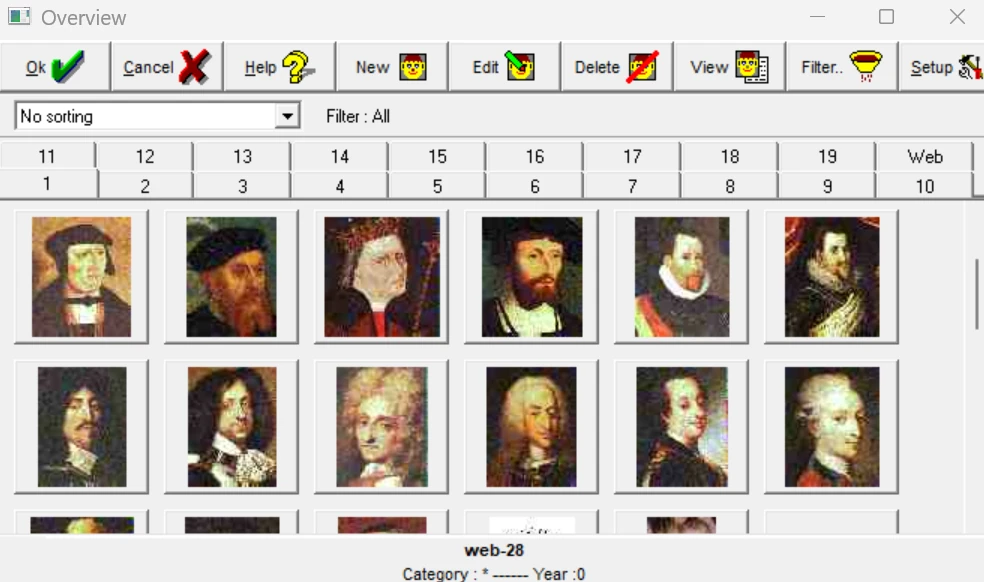
Ansigter til navnene
Tilføj portrætter og dokumenter til personer og familier. Sortér og filtrér billedarkivet, og billederne følger med i tavler, udskrifter og hjemmesider.
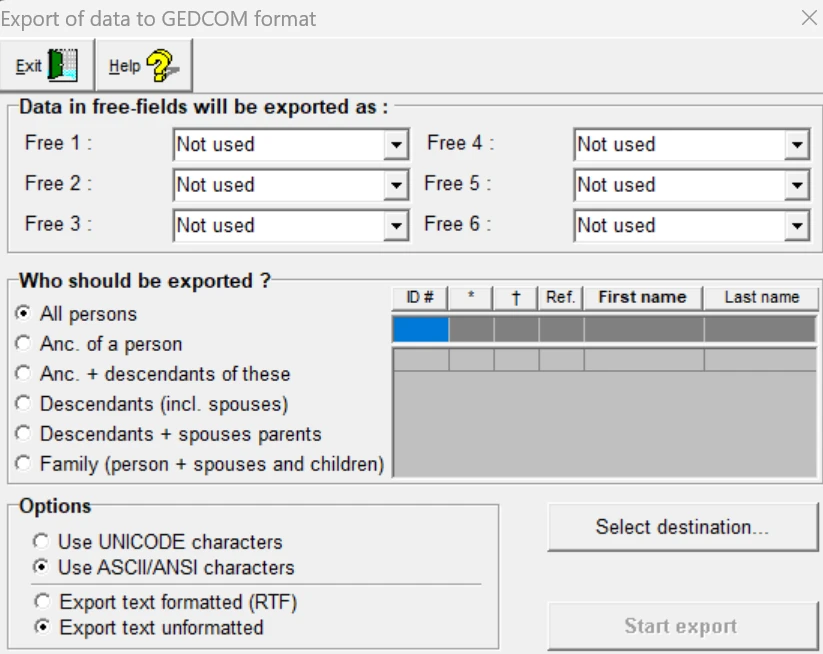
Dine data er aldrig låst fast
Importér GEDCOM-filer fra andre programmer, og eksportér det hele eller kun én gren, når du vil. Er WinFamily ikke noget for dig, tager du dit arbejde med til ethvert program, der kan læse GEDCOM.
Det koster dig intet at prøve.
Også med
Din egen hjemmeside
Sammenkædede hjemmesider med fuldt register ud fra din database, med dine egne farver, skrifttyper og baggrunde.
Datakontrol
Finder umulige datoer, usandsynlige aldre, manglende billeder og personer, der ikke er knyttet til nogen.
Statistik
Børn pr. ægteskab, alder ved død, alder ved første barn, tidslinjer og meget mere.
Kalender
Se fødselsdage og mærkedage for enhver måned, og tæl dagene mellem to datoer.
Design dine egne skemaer
Byg udskrifter felt for felt, hvis de færdige ikke helt passer til dig.
Også til dyreavl
Skift til dyrebetegnelser, og brug WinFamily til stamtavler for hunde, heste og andre racer.
Kom i gang på tre trin
Til Windows 10 og Windows 11. Programmet installeres på engelsk, og du tilføjer dansk eller et andet sprog bagefter.
- 1
Download og installér
Kør installationsfilen, og følg trinene på skærmen.
Download WinFamily 6.02 - 2
Tilføj dit sprog
Vælg en sprogpakke nedenfor, og installér den efter programmet.
- 3
Begynd med dig selv
Registrér dig selv og derefter dine forældre og bedsteforældre. Eller importér en GEDCOM-fil, du allerede har.
Prøv gratis
Registrér så mange personer, du vil, og se alle udskrifter på skærmen. Udskrivning kræver licens.
Download gratis versionFuld licens
199 kr.Få adgang til udskrivning, slægtsbogen og din egen hjemmeside. Én betaling, intet abonnement. Dine registrerede data følger direkte med.
Bestil licensVejledninger
Læs dem på skærmen, eller print dem. Gratis som PDF.
Brug for hjælp?
De fleste spørgsmål er allerede besvaret i vores FAQ. Hvis ikke, så skriv til os, så vender vi tilbage.
Godt at vide: Classic kan rumme op til omkring 64.000 personer pr. slægtsfil.